


MOTORISTS
Public Access Portal
Access your citation, ticket, or warning online.
If you received a citation, ticket, or warning from an agency that uses Trusted Driver, you may be able to access your information online through the Public Access Portal.
Trusted Driver provides software used by law enforcement and courts.
We do not process citations and cannot resolve cases.
For questions about your options, deadlines, or payments, contact the court listed on your citation or notice.
How to Access Your Citation or Warning
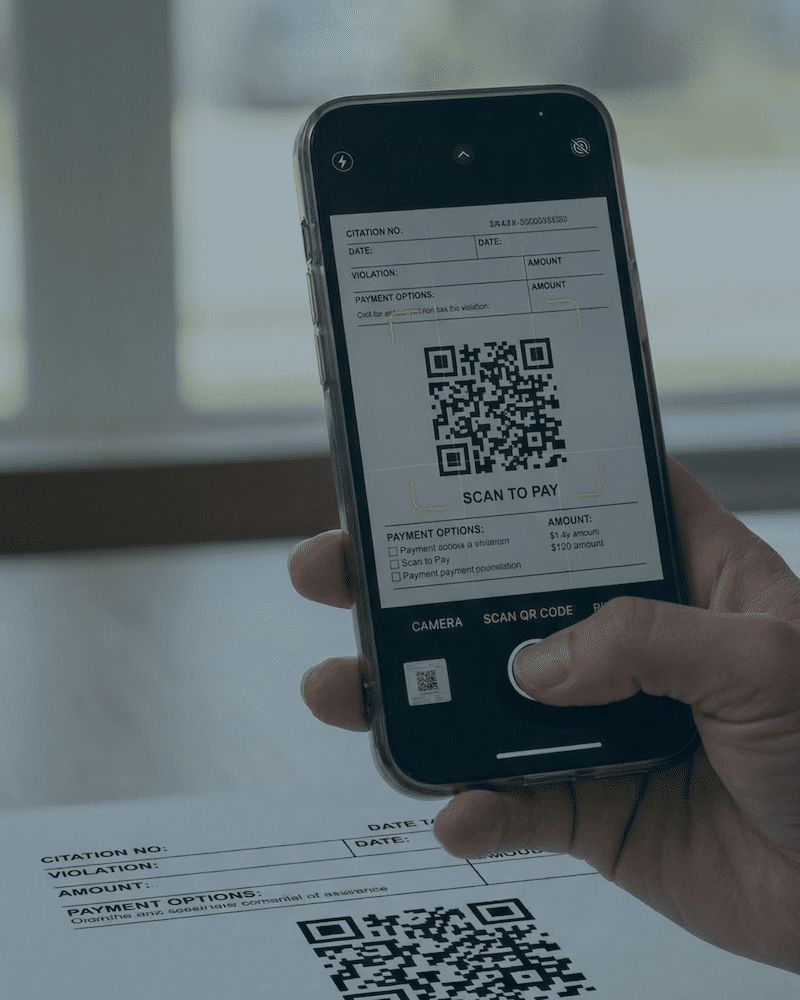
Access to the Public Access Portal is provided at the time of issuance. Agencies and courts provide access using the QR code or link given to you. There is not one universal portal link.
You can access your record in one of the following ways:
Scan the QR Code Provided at Issuance
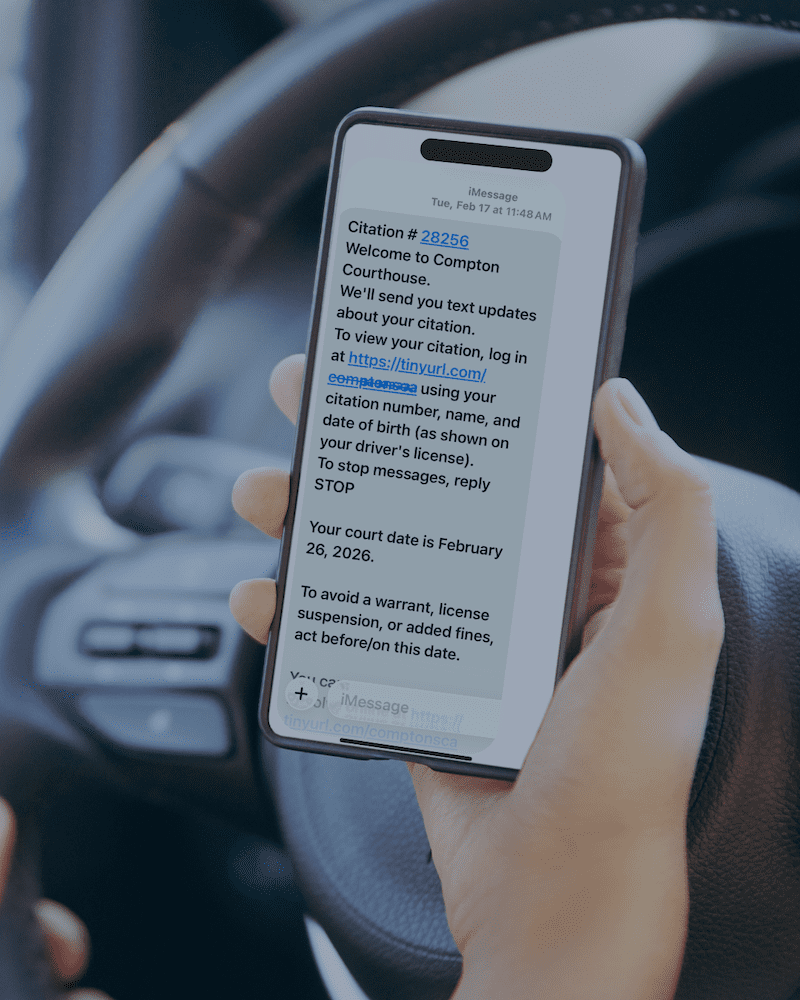
Use the Link Sent by Text Message
If a phone number was collected during the interaction, you may receive a text message containing:
- Your citation or notice number
- Court or agency contact information
- Court date, if applicable
- A direct link to access your digital record
Message timing and content are controlled by the issuing authority.
Contact the Court Directly
You may also contact the court listed on your citation or notice to ask questions about your case, deadlines, or next steps. Accessing the Public Access Portal is optional, but it provides direct access to your digital record and any guidance issued by the court or agency.

What You Can Do in the Portal
Available options depend on the type of citation or notice and the policies of the issuing authority. You may be able to:
- View your digital citation
- Confirm the court’s contact information
- Review instructions and next steps
- Submit documents, if allowed
- Send a message through the portal, if allowed
Information displayed in the portal is determined by the court or issuing authority.
What You Should Know
Trusted Driver cannot:
- Change your citation
- Extend deadlines
- Accept payments directly
- Provide legal advice
- Access court decisions
Case decisions, deadlines, and available options are determined solely by the court or issuing authority.
If you need assistance with your case or notice, contact the court or issuing agency listed on your citation or warning.
Frequently Asked Questions
Why did I receive a text message?
Some courts use text messages to provide reminders and a link to the Public Access Portal.
Can I pay my citation online?
I lost my QR code or link. What should I do?
If you received a text message from the court or issuing agency, it typically includes your citation number, court date, contact information, and a direct link to access your record.
If you no longer have the text message or QR code, contact the court or agency in the city or county where the citation or warning was issued.